

The Context Gap in AI Assisted Programming
The biggest limitation of modern AI assisted programming tools is not intelligence – it is context.
While tools like Claude or IDE agents can generate high-quality code, they remain blind to your local repository unless you manually copy and paste relevant pieces, turning development into a fragmented and inefficient workflow. MCP Server in Python can improve the results.
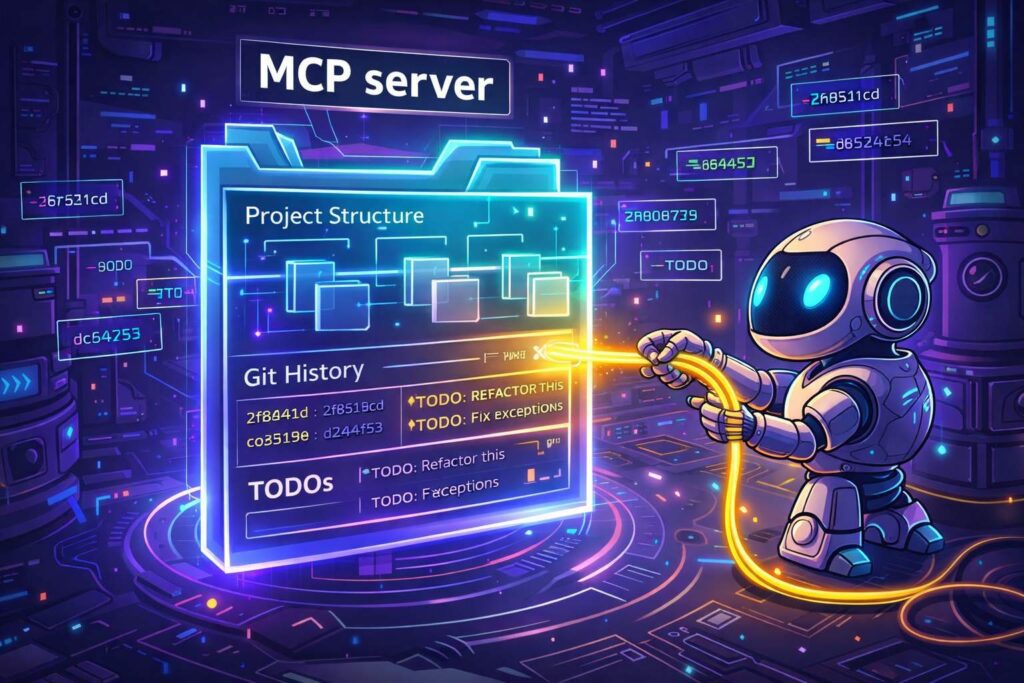
From Copy-Paste to Context-Aware AI
The real breakthrough comes from eliminating this “context gap” by allowing AI to directly access your development environment.
This is exactly what the Model Context Protocol (MCP) enables – a standardized interface that connects AI models to local tools, transforming them from passive responders into active participants in your workflow.
The Strategy: MCP Server in Python and Workspace Integration
When building an MCP server in Python, the key decision is choosing between the low-level Core SDK and the higher-level FastMCP framework.
I chose FastMCP because it abstracts away JSON-RPC complexity using Python decorators, enabling faster development without sacrificing practical functionality.
Equally important was integrating the server into a uv workspace, ensuring shared dependencies and consistent environment management across the project.
# Root pyproject.toml
[tool.uv.workspace]
members = [
    "packages/mcp-repo-context",
]
Implementing the “Eyes” of the AI
To make AI truly useful, the server must expose meaningful repository insights – not just raw files.
I focused on three key capabilities: structure, history, and technical debt.
Fast Search with Native Tools
For detecting TODOs and FIXMEs, I initially considered Python-based file traversal.
I replaced it with grep because native tools dramatically outperform Python in large repositories.
@mcp.tool()
def get_todos() -> str:
    root = get_repo_root()
    cmd = [
        "grep", "-r", "-i", "-n", "-E", "TODO|FIXME",
        "--exclude-dir=.git", "--exclude-dir=.venv",
        root
    ]
    process = subprocess.run(cmd, capture_output=True, text=True)
Structured Git History
For commit analysis, I used GitPython instead of shell commands.
This avoids brittle string parsing and provides structured, reliable data that AI models can interpret more effectively.
What Failed: The Hidden Complexity
STDIN/STDOUT Collision
A critical issue emerged when the server failed with a JSON parsing error.
The root cause was simple but non-obvious: MCP communicates strictly via stdin/stdout, and any stray log output breaks the protocol.
Fix:
- Redirect logs to stderr
- Use
mcp-inspectorfor debugging - Follow FastMCP execution patterns strictly
The Disappearing Package Bug
Another issue appeared during uv sync, where packages were unexpectedly removed.
This was caused by a missing build configuration in the new package.
# packages/mcp-repo-context/pyproject.toml
[build-system]
requires = ["uv_build>=0.8.12,<0.9.0"]
build-backend = "uv_build"
Without a defined build system, the workspace treated the package as unmanaged, leading to environment inconsistencies.
Final Integration: Connecting AI to Your Repo
To make the MCP server usable, it must be connected to the AI client.
For Claude Desktop, this is done via a JSON configuration using absolute paths:
{
  "mcpServers": {
    "repo-context": {
      "command": "uv",
      "args": [
        "--directory", "/absolute/path/to/project",
        "run", "mcp-repo-context"
      ]
    }
  }
}
Relative paths fail because the AI process runs in a separate execution context.
Conclusion: From Code Generation to Real Software Development
AI assisted programming tools are making code generation trivial – but generating code is not the same as building software. Without knowing the full repository structure and understanding how each file contributes to the project, generating more code is useless.
The real value lies in:
- Understanding context
- Handling edge cases
- Maintaining architecture
- Delivering working systems
By making your repository accessible through MCP, AI evolves from a code generator into a true engineering partner – capable of reasoning about your system, not just responding to prompts.
This shift marks the next phase of software development: not writing more code, but building better systems with AI that understands the full picture.
What are your thoughts on MCP use for better software engineering? Is it another gamechanger for programming, or will tools like gemini or claude code become so powerful that it won’t be necessary at all?
Let me know in the comment section!