

Every backend engineer knows the feeling. You’re deep in flow state, the architecture is crystal clear in your head, and the code is coming out clean. Then you spot it – a bug, a missing edge case, a follow-up task that needs logging. And just like that, the flow is gone. You open a browser, navigate to Linear, find the right team and project, manually fill in a title, write a description, set a priority, and head back to the terminal. By the time you’re done, that mental thread you were holding? Gone.
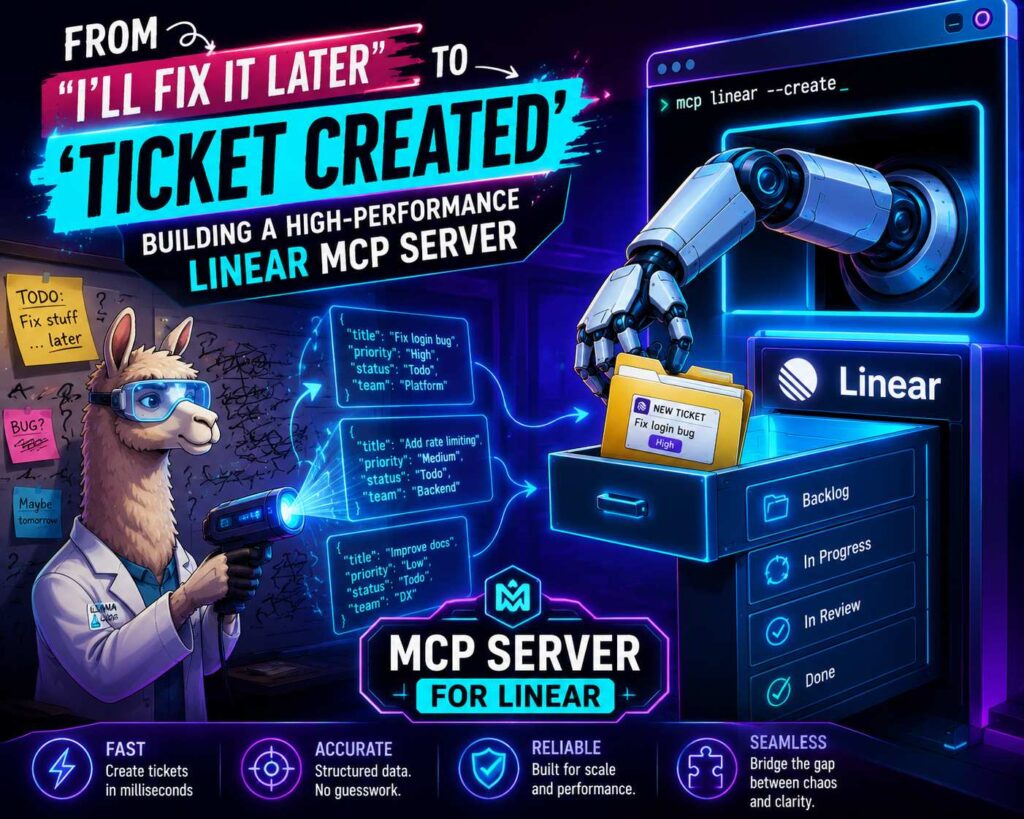
This post documents how we built a MCP server for Linear that eliminates that context switch entirely. One sentence in the terminal. Three seconds. A properly structured ticket appears in Linear – complete with title, description, steps to reproduce, expected behavior, and priority – without ever leaving the shell. Here’s exactly how it works, what broke along the way, and the architectural decisions that made it production-ready.
What Is MCP and Why Does It Change Everything?
The Model Context Protocol is not just another API wrapper. It is a standardized communication layer that allows LLMs – like Claude Desktop – to act as first-class citizens inside your development environment. Think of it as giving your AI assistant a modular “plugin system”: you build a server that exposes tools, and the AI can call those tools on your behalf with full context about what you’re trying to do.
By building an MCP server for Linear, we gave the AI a “project manager” module. The server takes a single sentence of developer shop talk – something like “the login button on mobile Safari is hidden by the keyboard” – and uses Groq’s high-speed inference to transform that unstructured thought into a professional, high-signal ticket. The target: observation to documentation in under three seconds, entirely from the terminal.
This post covers the real implementation story: framework choices, protocol debugging, a two-tier testing strategy, and the GraphQL quirks that caused the most friction.
Choosing the Right Foundation: FastMCP and Pydantic Settings
When starting a new micro-utility, the temptation is always to keep it lean – raw os.getenv calls, basic JSON parsing, minimal dependencies. In practice, “lean” almost always means “brittle.” For this project, we chose FastMCP as the primary framework.
FastMCP provides a high-level abstraction over the JSON-RPC 2.0 protocol that our MCP server for Linear relies on for communication. It handles stdio transport and tool registration automatically, letting us focus on the business logic of ticket creation rather than the handshake mechanics.
The second foundational decision was moving to Pydantic Settings for configuration management. Early drafts accessed environment variables directly inside tool functions – a classic backend anti-pattern. The failure mode is nasty: you only discover your LINEAR_API_KEY is missing after the AI has already spent tokens structuring the ticket, deep inside an httpx call, with a confusing NoneType traceback.
We refactored this into a dedicated config.py:
class Settings(BaseSettings):
    linear_api_key: str
    groq_api_key: str
    linear_team_id: Optional[str] = None

    model_config = SettingsConfigDict(env_file=".env", extra="ignore")

settings = Settings()
By instantiating settings at module level, the server refuses to start if required credentials are missing. This “fail-fast” architecture paid dividends immediately: during live tests, the .env file wasn’t being correctly picked up by the uv workspace runner. Instead of a confusing error buried in an API call, Pydantic raised a clean ValidationError at startup – exactly where it belongs.
The AI Bridge: Structuring Chaos with Groq
The core value of this MCP server for Linear is the transformation of plain English into a structured Linear issue. We chose the Groq API with the llama-3.3-70b-versatile model for two reasons: speed and schema enforcement.
When you’re mid-terminal and ask for a ticket to be created, you don’t want to wait five seconds for the model to “think.” Groq’s LPU (Language Processing Unit) architecture delivers tokens at speeds exceeding 250 tokens per second, making the tool feel like a native CLI command rather than a network call.
The harder problem was ensuring the AI returned valid, consistent JSON every time. We used Groq’s response_format={"type": "json_object"} to constrain the output, and engineered the system prompt to act as a strict schema definition:
async def structure_ticket_with_groq(description: str) -> Dict[str, Any]:
    system_prompt = (
        "You are a technical project manager. Return only valid JSON with keys: "
        "title, description, steps_to_reproduce, expected_behavior, actual_behavior, "
        "priority (Low/Medium/High)."
    )
    response = client.chat.completions.create(
        model=settings.groq_model,
        messages=[
            {"role": "system", "content": system_prompt},
            {"role": "user", "content": description}
        ],
        response_format={"type": "json_object"}
    )
    return json.loads(response.choices[0].message.content)
During testing, we discovered that without explicit key names in the prompt, the model would occasionally omit priority or merge expected_behavior and actual_behavior into a single field. By providing the full key list in the system prompt, we ensured that every subsequent Linear GraphQL mutation had all the data it needed to satisfy Linear’s strict type system – no missing fields, no silent failures.
Navigating the GraphQL Gauntlet
Linear’s API is purely GraphQL – precise and powerful, but less forgiving than REST. The biggest friction point was the mismatch between issue identifiers and internal UUIDs.
When create_ticket runs in MCP server for Linear, the GraphQL endpoint returns a human-readable identifier like ART-12 and a URL. Great for display. Useless for deletion. Linear’s issueDelete mutation requires a UUID, not the string identifier. Our initial cleanup scripts in the integration tests failed with a 400 Bad Request because we were passing ART-12 into a field expecting an ID type.
The fix was a two-step “fetch-then-delete” flow: first query the issue by its human-readable identifier to retrieve the underlying UUID, then execute the deletion mutation with that UUID. A small thing, but the kind of thing that costs an hour if you don’t know it’s coming.
The second GraphQL challenge was team management. A Linear ticket cannot exist without a team assignment. Rather than forcing the user to hunt down and memorize a UUID, we built a list_teams tool. This “Discovery-First” pattern is what makes MCP servers feel intelligent – they give the AI the context it needs to make successful downstream API calls without requiring the human to be a GraphQL expert.
Testing Strategy: Network Mocks and Live Fire
For this project, we took a deliberate two-tier testing approach.
Tier 1 – Network-level mocking with respx. Standard unit tests that mock the create_ticket function itself are nearly useless for an MCP server for Linear. They don’t test the GraphQL mutation strings, the httpx client configuration, or the Authorization headers being sent. By using respx, we intercepted outgoing HTTP calls to api.linear.app and api.groq.com at the network level:
@respx.mock
async def test_create_ticket_integration():
    respx.post(settings.linear_api_url).mock(
        return_value=Response(200, json={...})
    )
    result = await mcp.call_tool("create_ticket", {"description": "Bug report"})
    assert "Ticket created" in result.content[0].text
This let us verify that GraphQL mutation strings were syntactically correct, headers were properly set, and the full tool chain executed – all without spending a single Groq token or creating noise in the Linear board.
Tier 2 – Live smoke test. Network mocks have a hard ceiling. We encountered a scenario where all mocks passed but the live test failed with a 401 Unauthorized. The cause: subtle differences in how environment variables are loaded across shell contexts that no mock would ever surface.
We implemented a tests/live_verify.py script that actually creates a real ticket, pauses for 15 seconds to allow manual dashboard verification, then cleans itself up automatically. This “live fire” exercise is what transforms a working prototype into a server you’d trust in production.
Troubleshooting the MCP Protocol Handshake
The most technically interesting debugging challenge was understanding MCP’s communication protocol at the raw level.
MCP servers communicate over stdio using a stateful JSON-RPC handshake. Unlike a simple request-response CLI tool, an MCP server for Linear requires an initialize request followed by an initialized notification before it will accept any tool calls. If you send a tools/call request without completing the handshake, the server rejects it – the session hasn’t been established.
When we tried to test ticket creation with a basic echo command, the server crashed immediately. The fix required bundling the entire handshake into a single piped command:
(printf \
  '{"jsonrpc":"2.0","method":"initialize",...}\n
   {"jsonrpc":"2.0","method":"notifications/initialized"}\n
   {"jsonrpc":"2.0","method":"tools/call",...}\n'; \
  cat) | uv run src/mcp_linear_tickets/main.py
The ; cat at the end was the critical fix. Without it, the pipe closes as soon as printf finishes, and the server exits before completing the AI structuring step or the Linear API call. This exercise in raw protocol debugging is a reminder that even with high-level frameworks like FastMCP, understanding the underlying transport layer – JSON-RPC over stdio – is what separates a working script from a production-ready server.
The End Result: A Terminal-Native Workflow
By the end of the build, the server does exactly what it set out to do. A developer types a sentence in plain English. The MCP server for Linear completes the JSON-RPC handshake, forwards the description to Groq, receives a structured JSON object, and fires a GraphQL mutation to Linear – all in under three seconds. No browser. No context switch. No lost mental thread.
The architectural decisions that made it reliable were not glamorous: fail-fast configuration with Pydantic, explicit JSON schema enforcement in the prompt, a two-step UUID resolution for GraphQL mutations, network-level test mocking, and a live smoke test to catch what mocks can’t. These are standard backend engineering disciplines applied to a new class of infrastructure.
The broader lesson is that MCP servers are backend services, not prompt tricks. They require the same rigor as any service you’d put in front of real users – proper configuration management, layered testing, and a genuine understanding of the protocols underneath the abstractions. Get those right, and the result is an AI-powered tool that feels native – because it is.
You can see the whole project in this GitHub repository.