

The journey of creating a website often unfolds in a familiar pattern – initial excitement about starting something new is quickly followed by a dose of reality when faced with the overwhelming tasks at hand.
After you get through the first technical step of actually starting a website, the next part of designing it and filling it with initial content comes up.
This second step can indeed be a daunting task, but in this age of advanced technology, we are equipped with some of the most powerful software tools ever created to aid in this process.
While countless tutorials on website design exist, today we will see how Generative AI can step in to assist and simplify the complex task of initial setup.
From choosing matching colors, creating ‘About’ pages, to logo design and general mentoring tips, we will see how each of these steps can be tackled with the help of this advanced technology.
The Initial Steps: Mentorship for Website Design
The first steps of website design can be overwhelming, especially for beginners who might feel stuck without a clear goal on how to start. Without external help, they might not start at all.
Before diving into specific technical tips, it is beneficial to take a step back and seek general advice from someone more experienced.
Luckily for us, there is no need to wait for someone else to rescue us, as Generative AI tools can act like the mentors we are looking for.
All it takes is a simple prompt that can transform ChatGPT into a seasoned mentor, helping with those initial steps that could otherwise lead to procrastination:
- “Act as a seasoned expert mentor in website design, provide guidance on the initial steps of website design and outline key considerations before delving into technical aspects. Include first five steps necessary for the design journey”
Certainly! As a seasoned mentor in website design, here are the first five crucial steps to guide you on your design journey:
Define Clear Objectives:
Start by clearly defining the purpose of your website. Understand the primary goals you aim to achieve through your online presence. Whether it’s showcasing a portfolio, selling products, or sharing information, a well-defined objective will guide your design decisions.Identify Your Target Audience:
Knowing your target audience is fundamental to effective design. Understand the demographics, preferences, and behaviors of your potential visitors. Tailor your design elements to resonate with your audience, creating a more engaging and user-friendly experience.Conduct Thorough Research:
Dive into research within your industry or niche. Explore competitor websites to identify both successful and problematic design elements. Additionally, gather inspiration from websites outside your field to bring fresh perspectives to your design.Sketch a Basic Wireframe:
Before getting into the technicalities, create a basic wireframe sketch. This simple visual representation helps outline the structure of your website. Consider the placement of key elements such as headers, navigation menus, and content sections. This early planning stage provides a roadmap for your design.Establish a Design Aesthetic:
Choose a design aesthetic that aligns with your brand or personal style. Consider color schemes, typography, and overall visual appeal. Consistency in design elements helps create a cohesive and professional look. This step sets the tone for the entire design process.These initial steps lay a solid foundation for your website design journey. By defining objectives, understanding your audience, conducting thorough research, creating a wireframe, and establishing a design aesthetic, you set the stage for a well-informed and purposeful design process. As you move forward, keep a user-centric approach in mind and continue building upon these foundational elements.
As it is evident from the response, we swiftly obtain valuable tips on those important initial steps. This first advice helps with establishing the fundamentals that will help with staying committed from the very beginning.
What makes this tool truly remarkable is its interactive nature – not only does it offer concise guidance, but it also allows you to ask for details on any specific tip, providing you with better understanding of each aspect.
For example if something is not clear, you can simply follow with this kind of prompt:
- “How can I identify the target audience? Provide a step-by-step guide for five most important steps”
Understand Your Offering:
Clearly define the products, services, or content your website offers.
Create Customer Personas:
Develop detailed customer personas representing your ideal audience segments.
Analyze Current Customers (If Applicable):
If you have an existing business, analyze your current customer base.
Conduct Market Research:
Utilize market research tools and surveys to gather data about your industry.
Utilize Analytics Tools:
Leverage website analytics tools and social media insights to understand your current audience.These five steps will provide a solid foundation for identifying and understanding your target audience. This knowledge will guide your design decisions, content creation, and marketing strategies, leading to a more impactful and user-focused website.
This interactive mentorship ensures that you can tailor the learning experience to your needs, making the whole process more accessible and personalized.

Crafting The Identity: Style and content
Now that we’ve covered the initial steps, let’s proceed to practical steps for styling and adding the first content. While visual tools will be discussed later in this article, our current focus is on textual assistance.
Surprisingly, even the styling process can benefit from text-based communication. It is possible to ask for recommendations on color choices and font styles based on provided general description.
Let’s see how ChatGPT responds when asked for styling choices with the following prompt:
- “Provide design choices for website, aiming to strike a balance between professionalism and modern appeal, targeting a younger audience. Can you suggest a vibrant yet professional color scheme and font choices that would resonate well with our target demographic? Feel free to provide details on color codes, shades, and font styles to enhance the overall visual aesthetics.”
Certainly! Here are design choices for your website:
Color Scheme:
Primary Color: #3498db (Vibrant Blue)
Accent Color: #e74c3c (Crimson Red)
Background: #ecf0f1 (Light Grey)
Call-to-Action: #2ecc71 (Emerald Green)
Font Choices:
Heading Font: Montserrat
Body Font: Open Sans
Accent/Highlight Font: Pacifico (for a touch of modernity)These choices aim to create a visually appealing, modern, and professional website that resonates well with a younger audience. Feel free to adjust or request further details based on your preferences!
Once again, this is excellent for rapid ideation. You receive instant, tangible tips on both colors and fonts that can be promptly tried out to see if they align with your taste.
The next part is about addition of website information. It can involve shaping the ‘About Me’ section to reflect your identity or introducing the essence of your project in ‘General Information’ section.
The key aspect is to strike a balance between being informative and concise, engaging your audience without overwhelming them with excessive details.
Textual Generative AI excels in similar tasks, making the prompt quite straightforward:
- “Create an engaging ‘About Me’ section for a personal website, highlighting key aspects of personality, interests, and achievements. Make it appealing and suitable for a diverse audience.”
“Hey there! I’m [Your Name], a [Your Profession/Passion] enthusiast on a journey to explore the wonders of life.
With a passion for [Key Interest 1] and [Key Interest 2], I thrive on turning ordinary moments into extraordinary memories.
Whether I’m [Unique Hobby 1], [Unique Hobby 2], or chasing the next adventure, I find joy in embracing the diversity life has to offer. Let’s embark on this journey together and discover the magic within the ordinary!”
This is the typical use of Generative AI, to provide a template that can be expanded or updated and it really helps to prevent any creative blockages. Even with simple prompts, the first styling choices and content production become much easier and comfortable.

Creative Visualizations: Mockups and Logo design
While textual guidance is useful, there are instances where the visual element becomes priceless. Now, we will delve into the visual side of Generative AI, exploring its capabilities in crafting captivating website mockups and striking logos.
In this section, we will see how DALL-E 3, the famous image generating AI tool, can be used. Though this powerful technology is commonly used to generate photorealistic pictures and stylish paintings, we’ll see its versatility in creating interesting visuals for various use cases, including website design.
When it comes to mockups, rather than scrolling through numerous online sources, you can instantly generate various mockups with your preferred color theme. This approach not only saves time but also provides a visual representation that can inspire the general layout and arrangement of elements on your website.
Since we’ve established the color choices in the previous section, let’s utilize them in the process. By providing a detailed description or prompt, you can specifically request mockups that align with your preferences:
- “Create a vibrant and visually appealing website mockup for a personal website. Utilize the following color scheme:
Primary Color: #3498db (Vibrant Blue)
Accent Color: #e74c3c (Crimson Red)
Background: #ecf0f1 (Light Grey)
Include elements that convey a modern and engaging aesthetic, ensuring the mockup aligns with the provided color palette.”
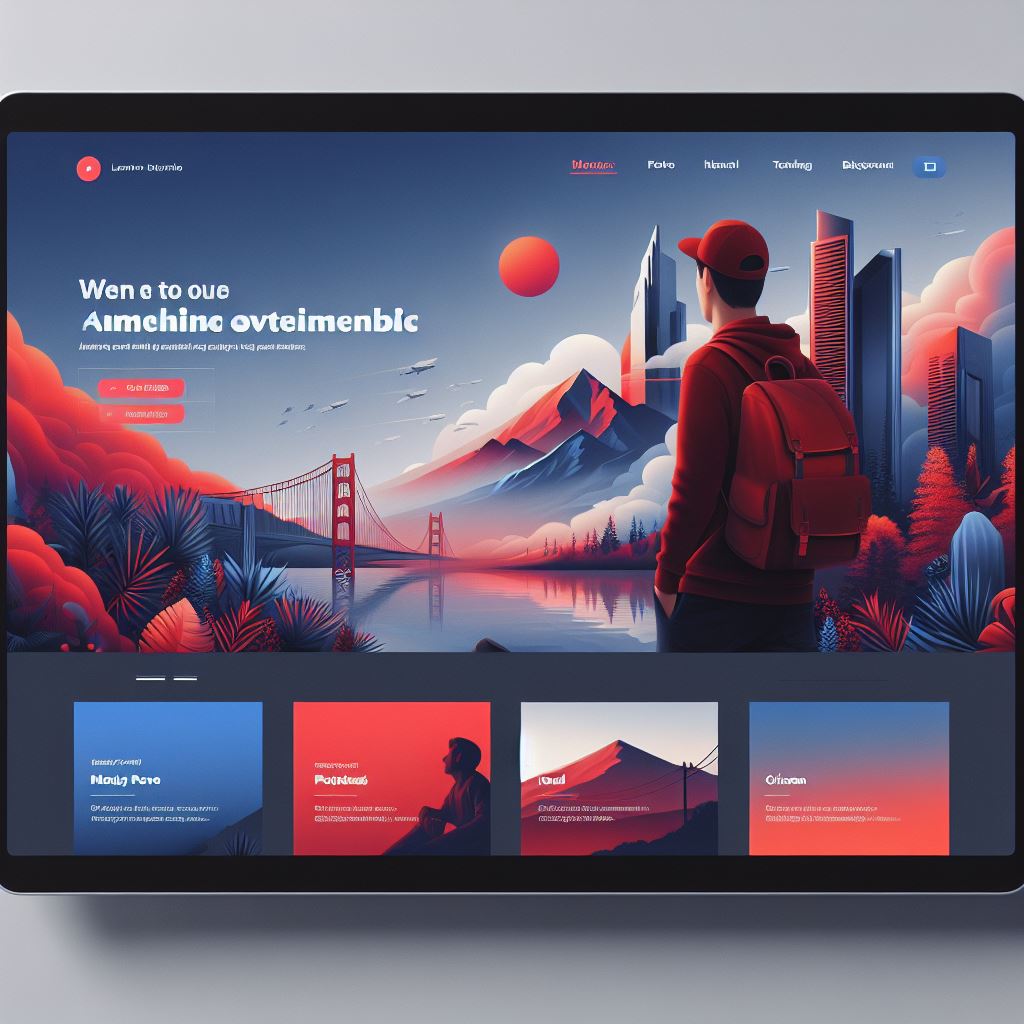
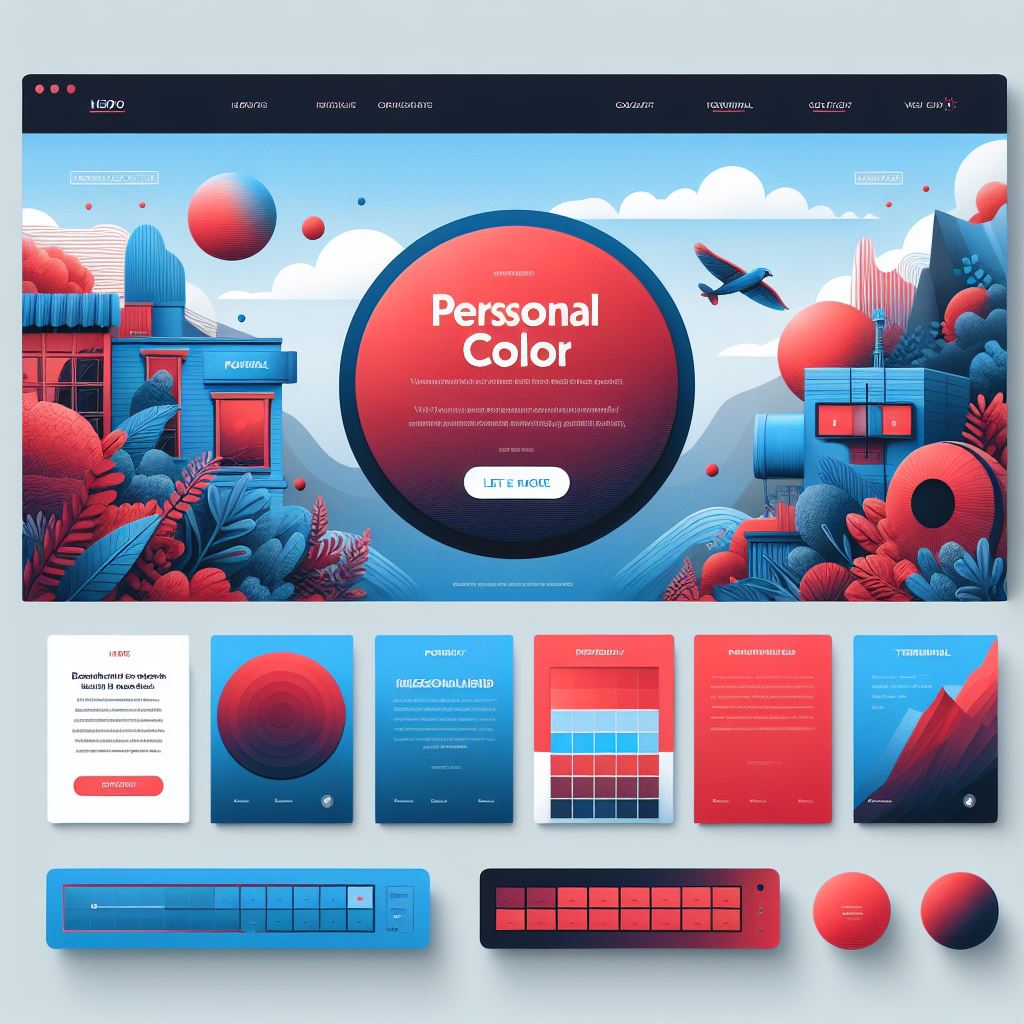
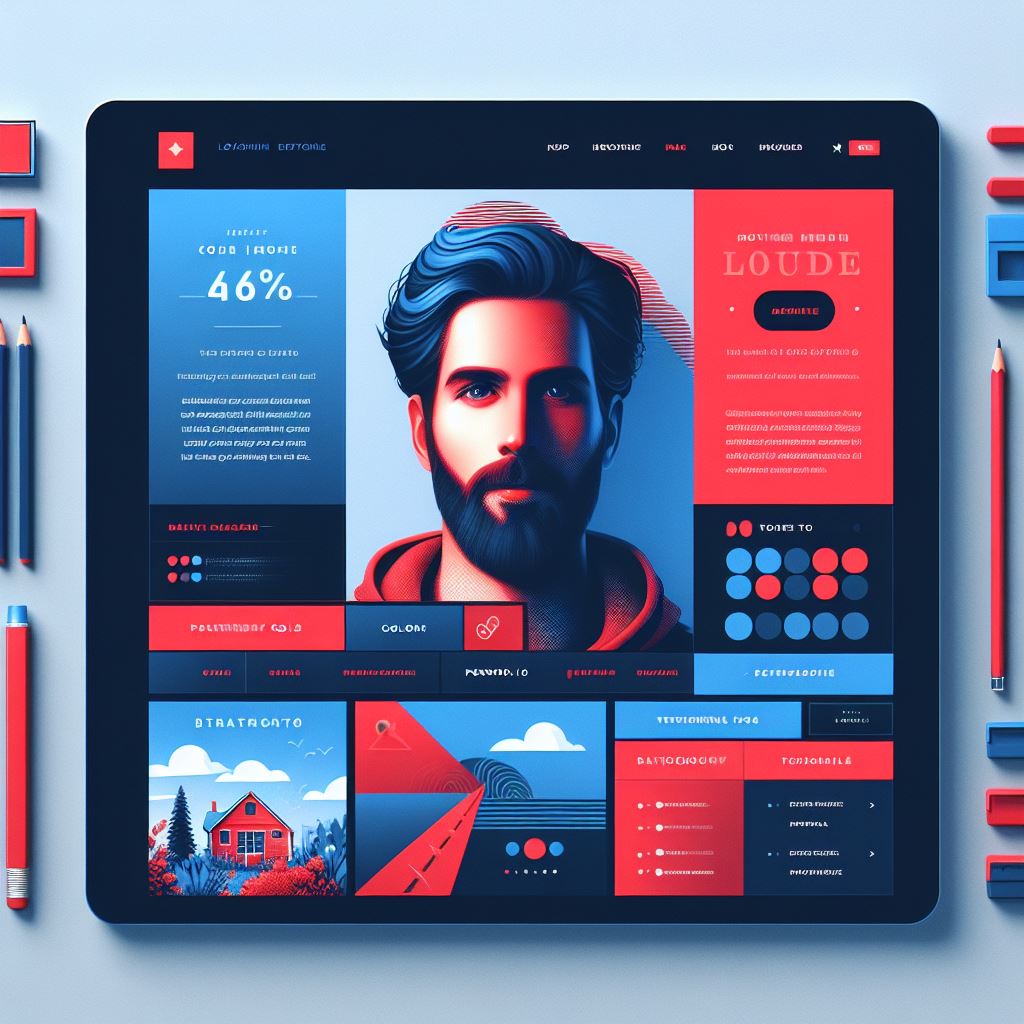
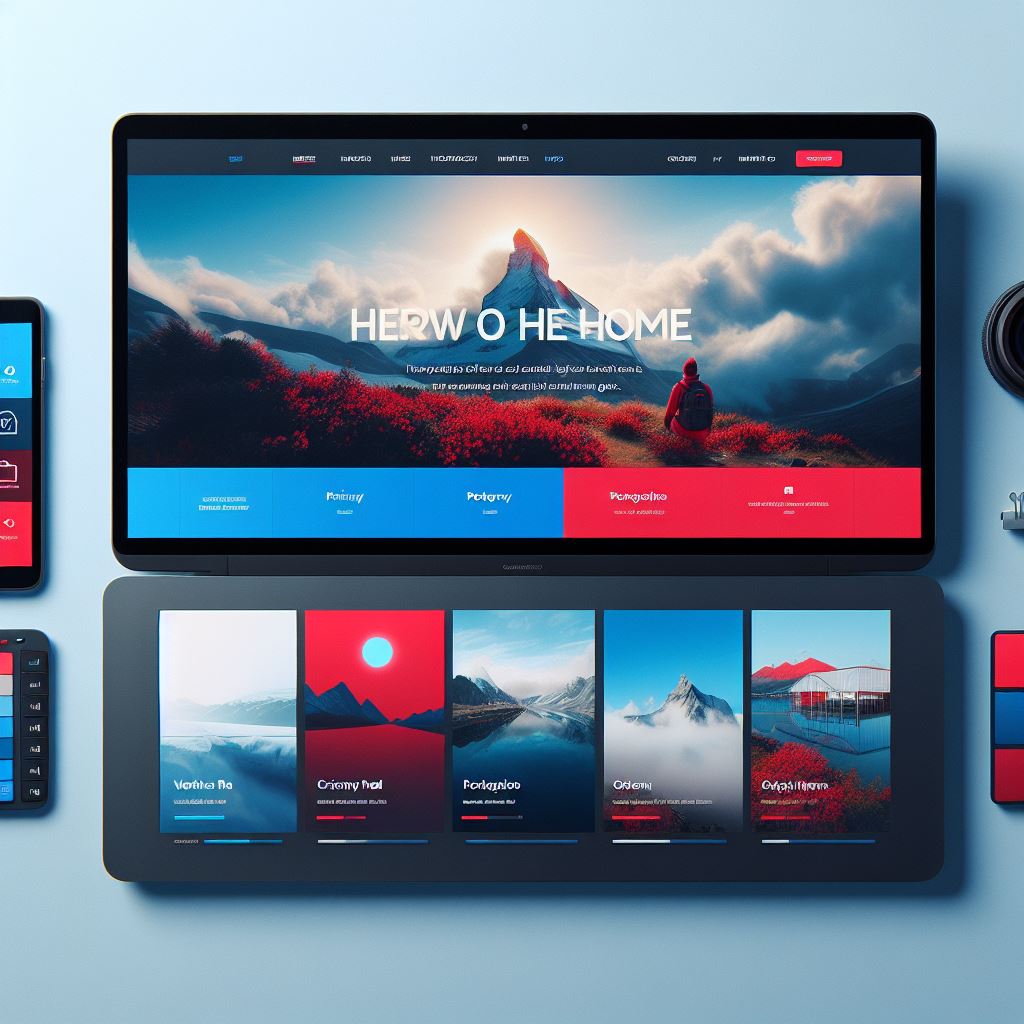
The generated output offers multiple layouts, providing inspiration for designing your website. Whether you’re envisioning a desktop, tablet, or mobile view, these diverse mockups can serve as valuable ideas to shape the overall look of your website. The suggested colors and element placements can be used as an initial draft for further updates.
Now, let’s shift our focus to logo design, which is perhaps the most exciting visual application of website design, thanks to the limitless possibilities offered by DALL-E 3. You can create logos in any style, color, or shape imaginable, the only limit now is the extent of human imagination.
As the possibilities are virtually endless, it can lead to a long cycle of prompts, where you can experiment for many hours. To kickstart the creation process, we’ll begin with a simple prompt that can be easily updated and expanded after the first results are generated:
- “Create a modern, monochromatic and symmetric logo that can represent personal website. The design should be simple, with geometric and minimalistic elements.”
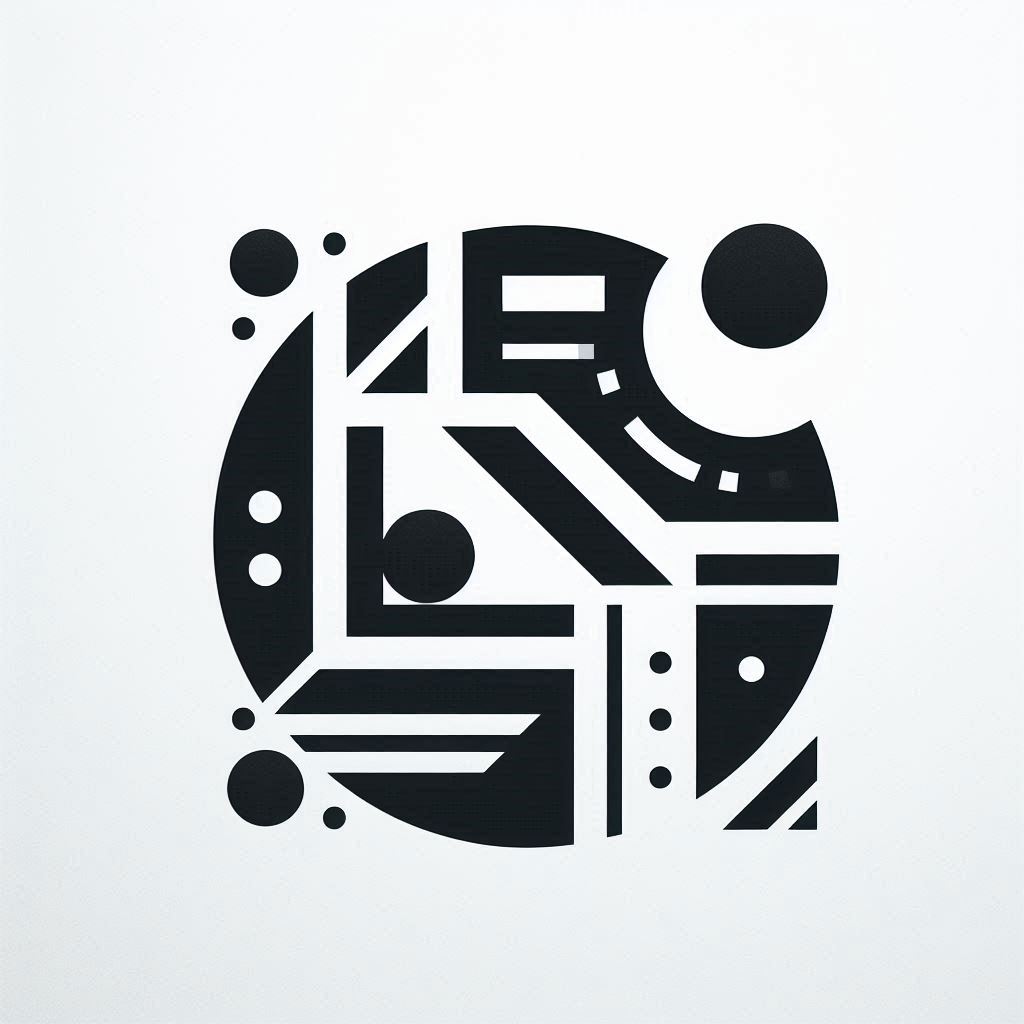
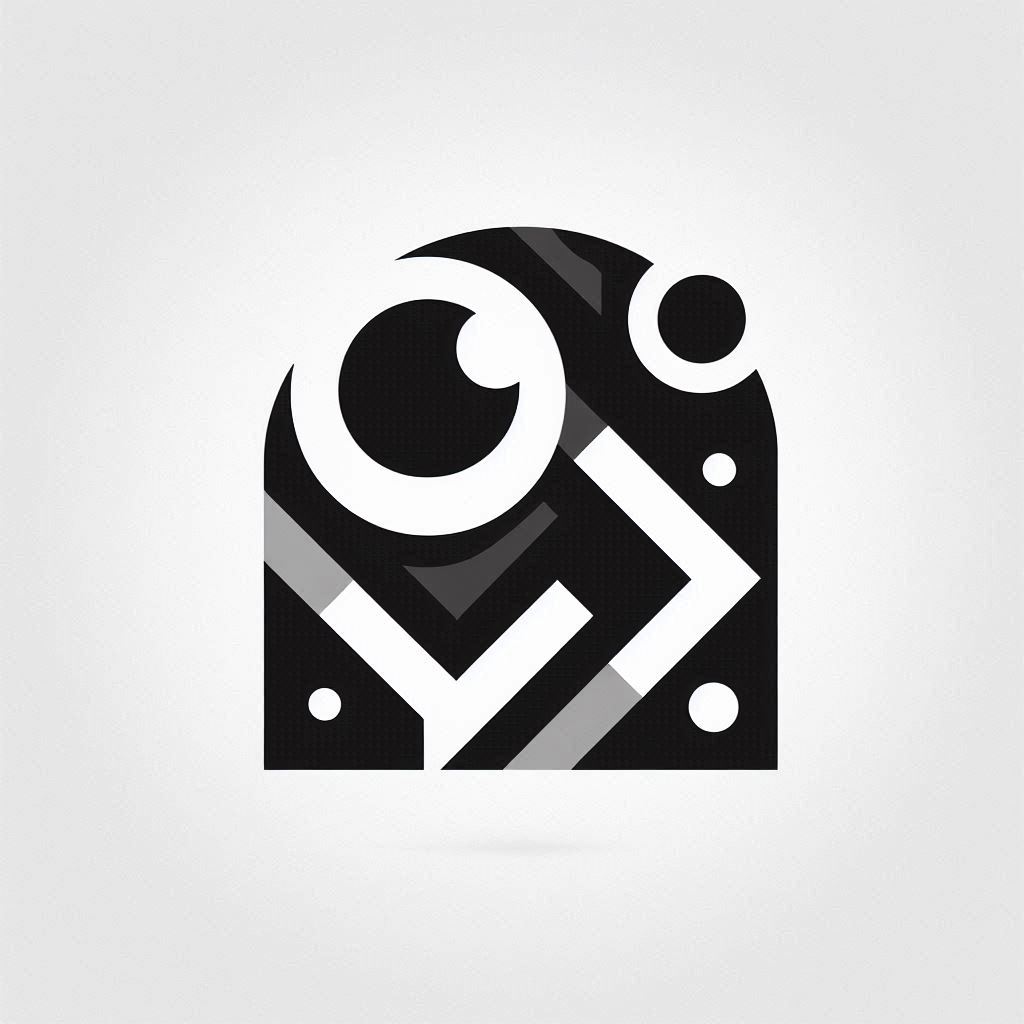
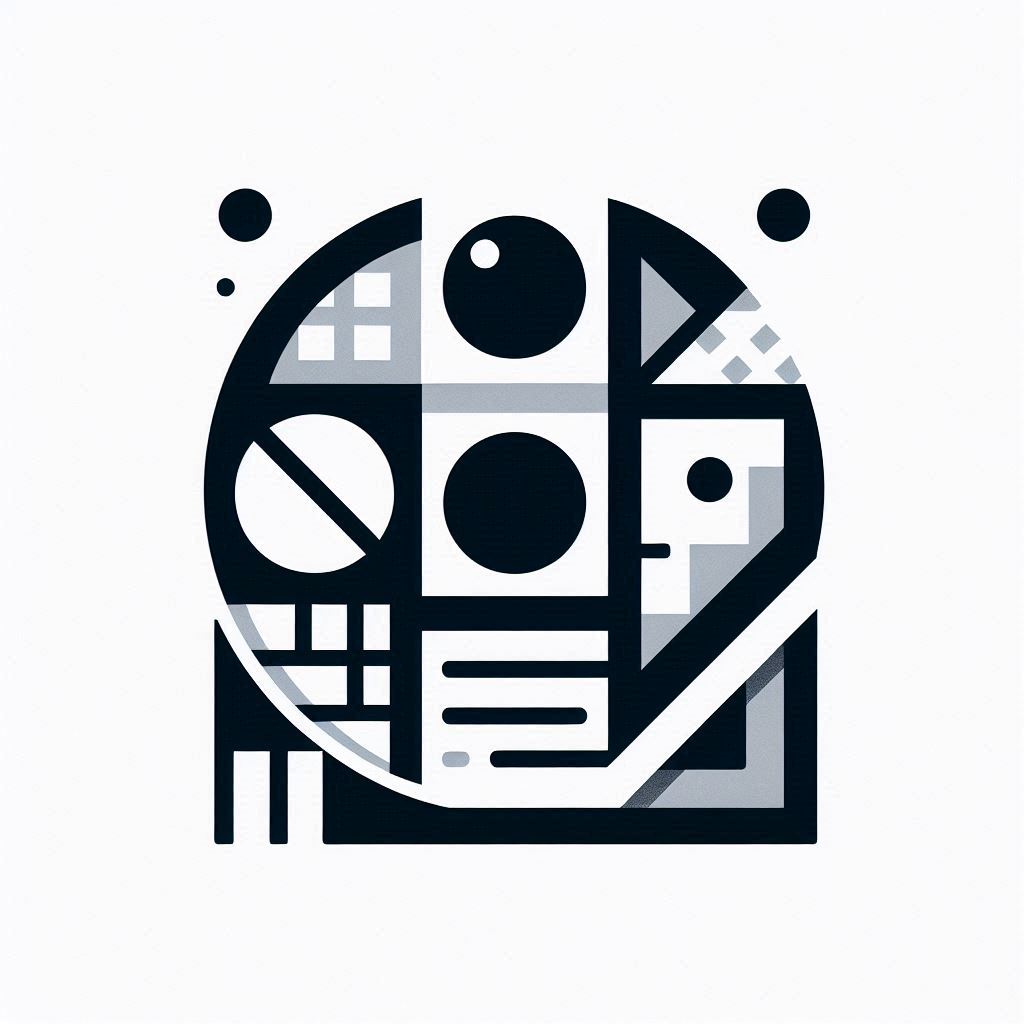
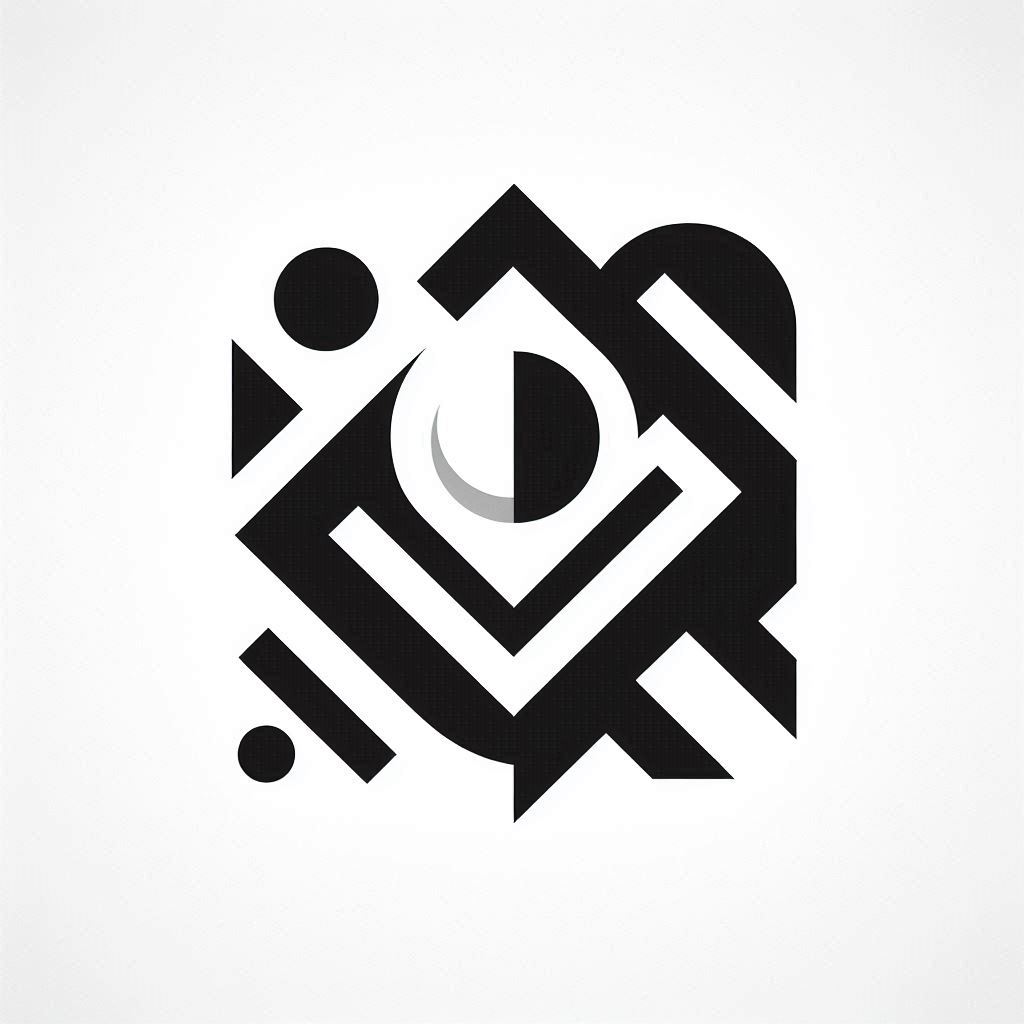
As you can see, generating a rough logo sketch is incredibly easy and serves as a perfect starting point for further updates.
The main benefit of this approach is that it allows ideas to be quickly transformed into various logo designs, providing a visual foundation to build upon.
Even if you don’t have graphic design skills, the latest technologies empower anyone to create professional-quality websites with ease.
You can effortlessly create interesting website layouts and captivating logos that are based on your description, making the design process accessible to everyone.
Generative AI: Transforming The Web Design Experience
As you can see, Generative AI can be incredibly helpful in various aspects of website design. While there are many different specialized tools available for building websites that we will discuss in future posts, both ChatGPT and DALL-E 3 offer valuable support throughout the process.
Most people tend to use these tools only for generating text and images, but their potential extends far beyond that. There are countless ways how generative AI can be used for a variety of creative and practical applications. It reminds us how our imagination can unlock the full power of generative AI, allowing for many innovative use cases.
From crafting engaging “About” pages to designing logos and selecting color schemes, these AI tools are especially useful in getting started and guiding you through both the initial steps and can even assist with the finishing touches, making your website truly stand out.
Have you considered using Generative AI for website design? Or have you already used it for your web projects in other ways? Share your thoughts and experiences in the comments section!