Not too long ago, creating a professional-looking logo required the expertise of a skilled designer, many hours of brainstorming, and a mastery of different software tools. Today, the logo design process is changing dramatically.
Thanks to generative AI, anyone—from small business owners to freelances—can create stunning, unique logos with ease and speed that were unimaginable just a few years ago.
While tools like Photoshop once revolutionized graphic design, it required know-how that could be obtained only by prolonged usage. On the other hand, Generative AI is taking things to an entirely new level.
With AI, logo design is no longer limited to those with technical skills or artistic training. Now, these new algorithms can generate high-quality, creative logos in minutes, tailored to your specific needs and preferences.
In this new age of advanced AI, we will explore how tools like DALL-E and other specialized platforms are available for anyone to craft a standout brand identity without the traditional constraints. Welcome to the future of logo design—where technology and creativity blend seamlessly.

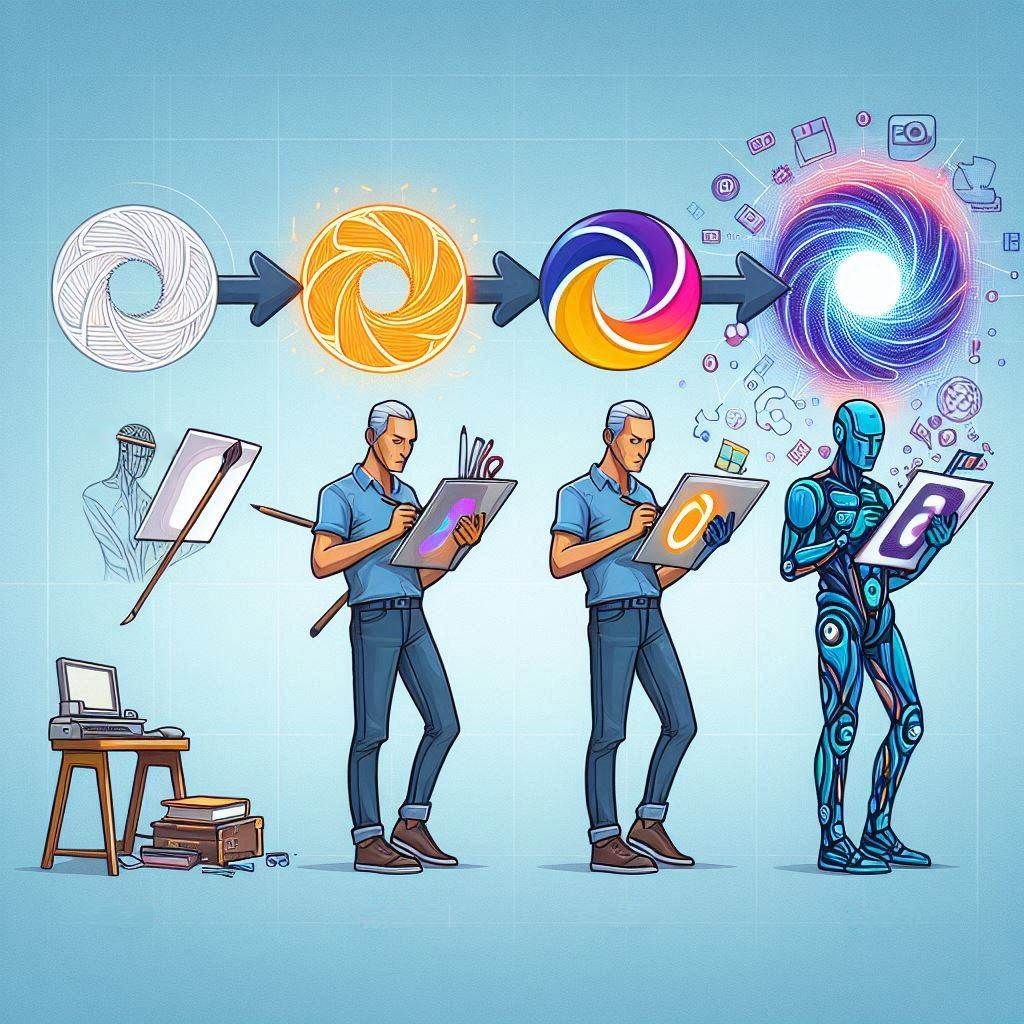
The Evolution of Logo Design: From Photoshop to Generative AI
For decades, creating a logo was a process that required a blend of artistic talent, technical skills, and at least some understanding of branding. Graphic designers were essential to this process, translating ideas into visual symbols that captured the essence of a brand.
This often involved multiple rounds of sketches, client feedback, and revisions to arrive at a final design that met both aesthetic and strategic goals. Tools like Photoshop and Illustrator revolutionized the field, allowing designers more flexibility and control, but these still required a significant amount of time, effort, and expertise.
Today, with the rapid development of AI generative tools, logo design is undergoing a transformation. Anyone can create a professional-looking logo by simply providing a description of what they want.
Using simply natural text, these advanced algorithms can generate countless unique logo options in a matter of seconds, each tailored to the user’s specifications. This capability not only democratizes logo design but also drastically speeds up the creative process, making it more accessible to individuals and small businesses that might not have the budget for a professional designer.
This does not mean that graphic designers are becoming obsolete. On the contrary, their expertise remains invaluable, especially for more complex branding projects that require a deep understanding of visual storytelling and brand strategy.
While AI can handle smaller tasks like basic logo creation, human designers are still needed to refine these concepts, ensuring they align with a brand’s identity and values. Designers can also use AI tools to augment their creative process, leveraging the technology to quickly generate ideas and prototypes that can later be polished and perfected through their insights.
As we explore this new era of logo design, two important questions arise:
- What are the benefits and potential drawbacks of using AI for logo design?
- How do we navigate the ethical and legal considerations surrounding AI-generated content?
In the following sections, we will delve into these questions and more, providing a guide to using generative AI for logo creation.
Crafting Logos with AI-Powered Platforms
As generative AI continues to take leaping steps forward, new visual platforms are emerging almost every week. These advancements make logo design more accessible and efficient than ever before.
These tools offer a revolutionary way to craft logos, as you can describe your needs in natural language and the powerful machine learning algorithms then deliver high-quality designs in a fraction of the time it traditionally takes. Whether you’re a small business owner looking to create a distinctive brand identity or a designer seeking inspiration, AI-powered platforms provide a wide range of options to suit every need.
In the sections that follow, we’ll explore some of the most popular AI-powered platforms for logo design, highlighting their features, benefits, and potential drawbacks to help you find the right tool for your next project.
DALL-E 3: Creating Logos with general visualization tool
As mentioned earlier in another post, DALL-E 3 is one of the tools available for AI-driven logo design. Known for its ability to generate imaginative and diverse visuals based on simple text prompts, DALL-E 3 opens up a world of possibilities for crafting unique logos.
Whether you’re looking for a minimalist design or something more complex and detailed, DALL-E 3 can help bring your ideas to life in a matter of minutes. To get started with DALL-E 3, you can easily access it through the Bing website, where it is integrated into the Bing AI experience. This makes the entire process straightforward and user-friendly, even for those with little to no design experience.
Simply head over to the Bing website and use the AI chat function to guide you through the steps of logo creation.
The whole process can be quite straight forward, as you can simply type a prompt like, “Guide me through the process of creating a logo with DALL-E 3,” and the Bing AI assistant will take you through each stage, from refining your initial idea to generating multiple logo options. You can then iterate on these designs by providing additional feedback, such as requesting changes in color, style, or elements included in the logo, ensuring the final result aligns with your vision.
- “Guide me through the process of creating a logo with DALL-E 3. Let’s go through the process step-by-step”
Great! Let’s create a logo step-by-step. We’ll start with defining your concept.
Step 1: Define Your Concept
- Purpose: What is the purpose of your logo? Is it for a business, a personal project, or something else?
- Style: What style are you aiming for? (e.g., modern, vintage, minimalist)
- Elements: What elements do you want to include? (e.g., symbols, text, colors)
Feel free to share your thoughts on these points, and we can move forward from there! 😊
- “The purpose is for a personal website about digital arts. Artistic style. Include elements of paint brushes.”
Perfect! Let’s move on to the next step.
Step 2: Access DALL-E 3
Make sure you have access to DALL-E 3 through a platform that supports it, such as OpenAI’s website or an integrated application.Step 3: Input Your Prompt
Now, let’s craft a detailed prompt for DALL-E 3. Based on your concept, here’s a suggestion:
“Create an artistic logo for a personal website about digital arts. The logo should include elements of paint brushes, with clean lines and a modern look. Use a simple color palette, preferably shades of red and black.”Step 4: Generate and Review
- Generate: Use DALL-E 3 to generate several versions of your logo based on the prompt.
- Review: Look through the generated logos and select the ones that best match your vision.
Would you like to proceed with generating the logos now, or do you have any adjustments to the prompt? 😊
- “Create an artistic logo with white background for a personal website about digital arts called VisualMagic. Capital letters VM are included in center of the logo. The logo includes elements of paint brushes which create the capital letters, with clean lines and a modern look. Use a simple color palette, preferably shades of red and black.”
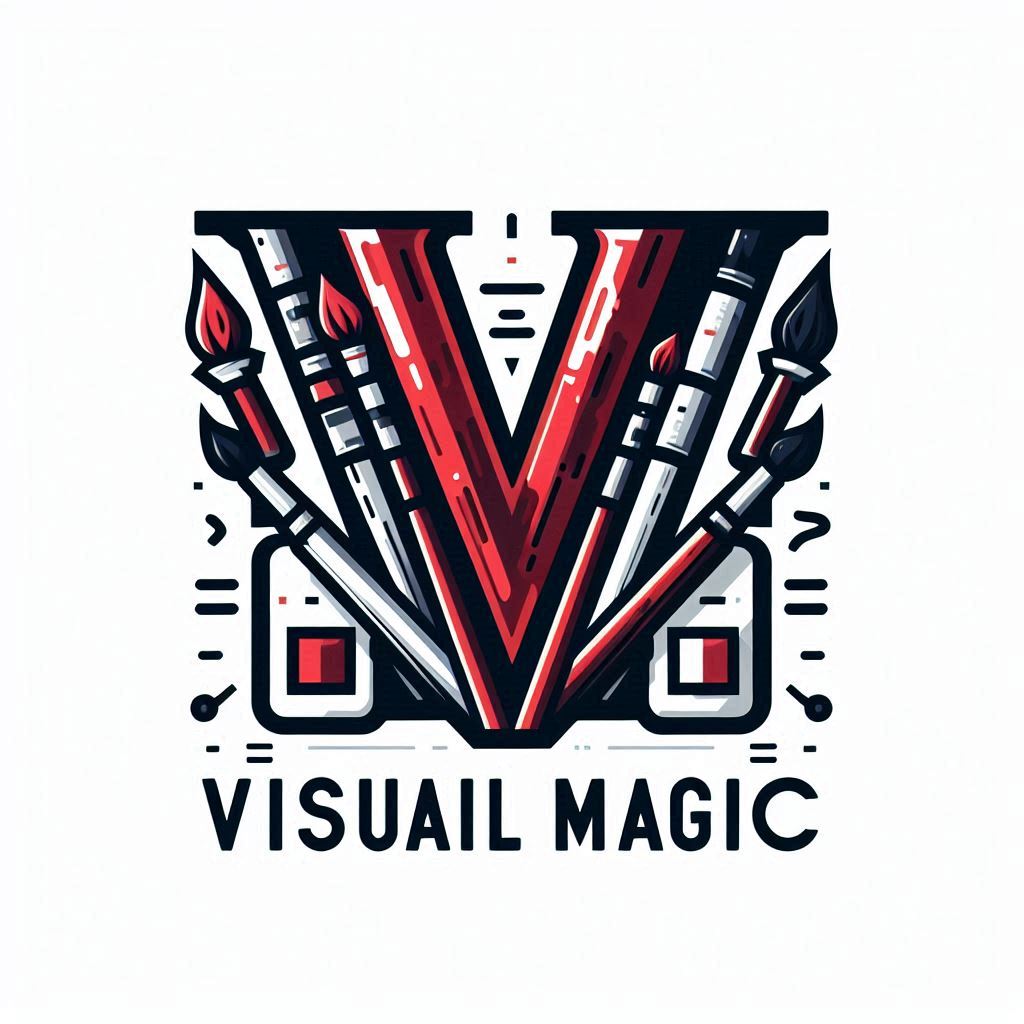
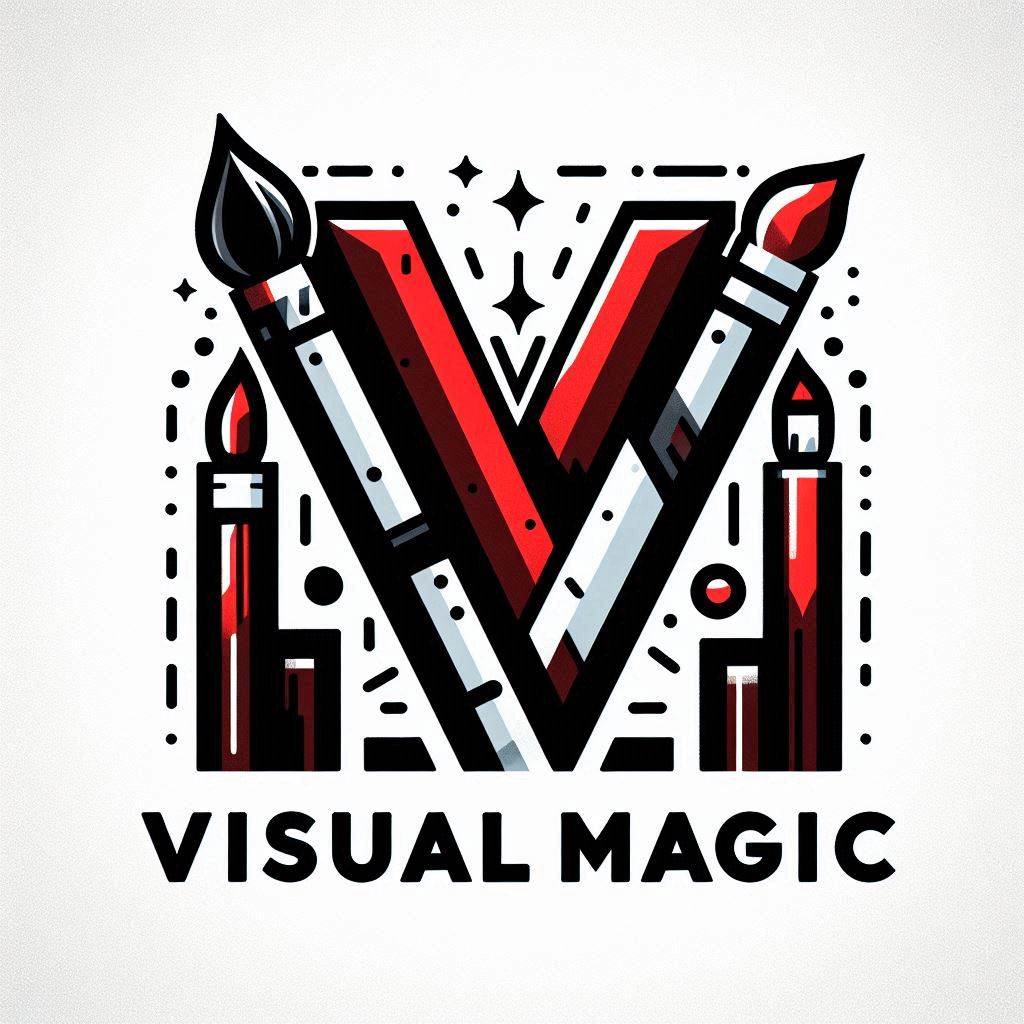
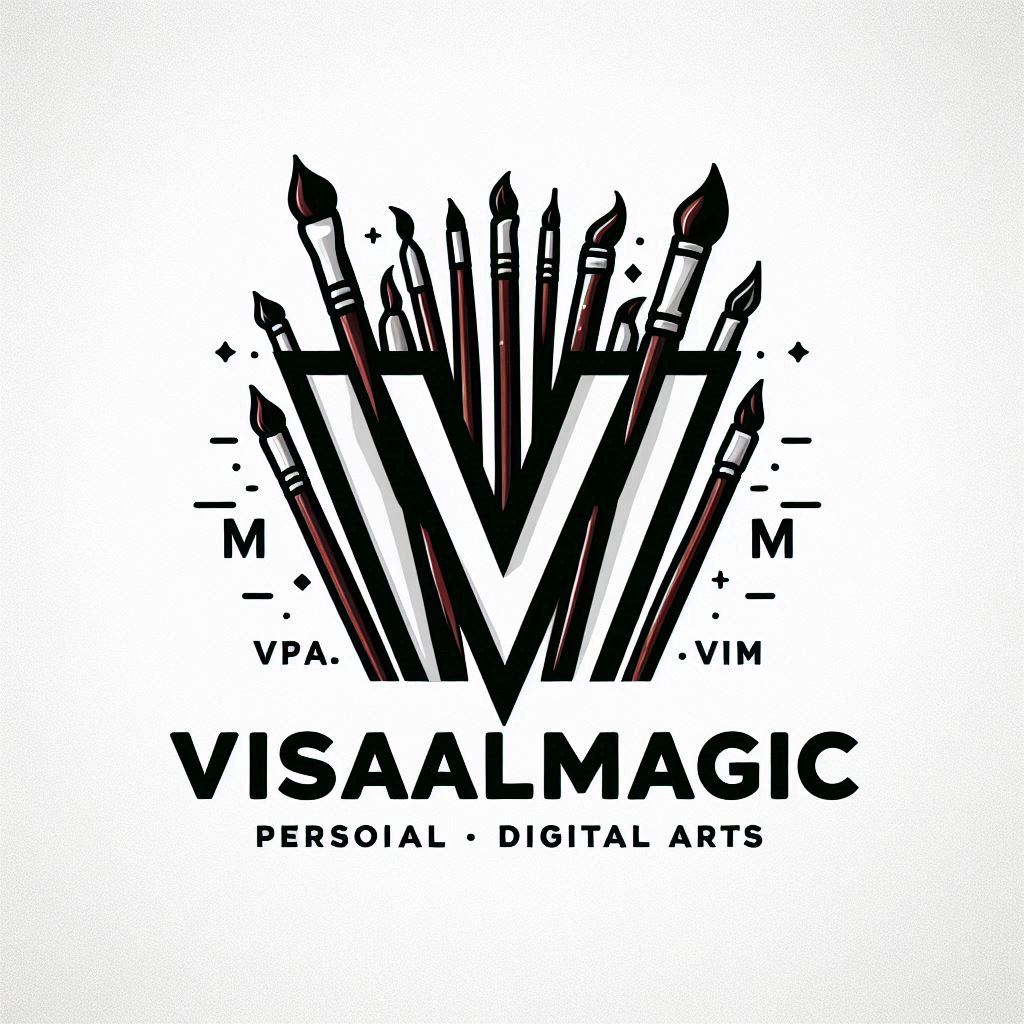
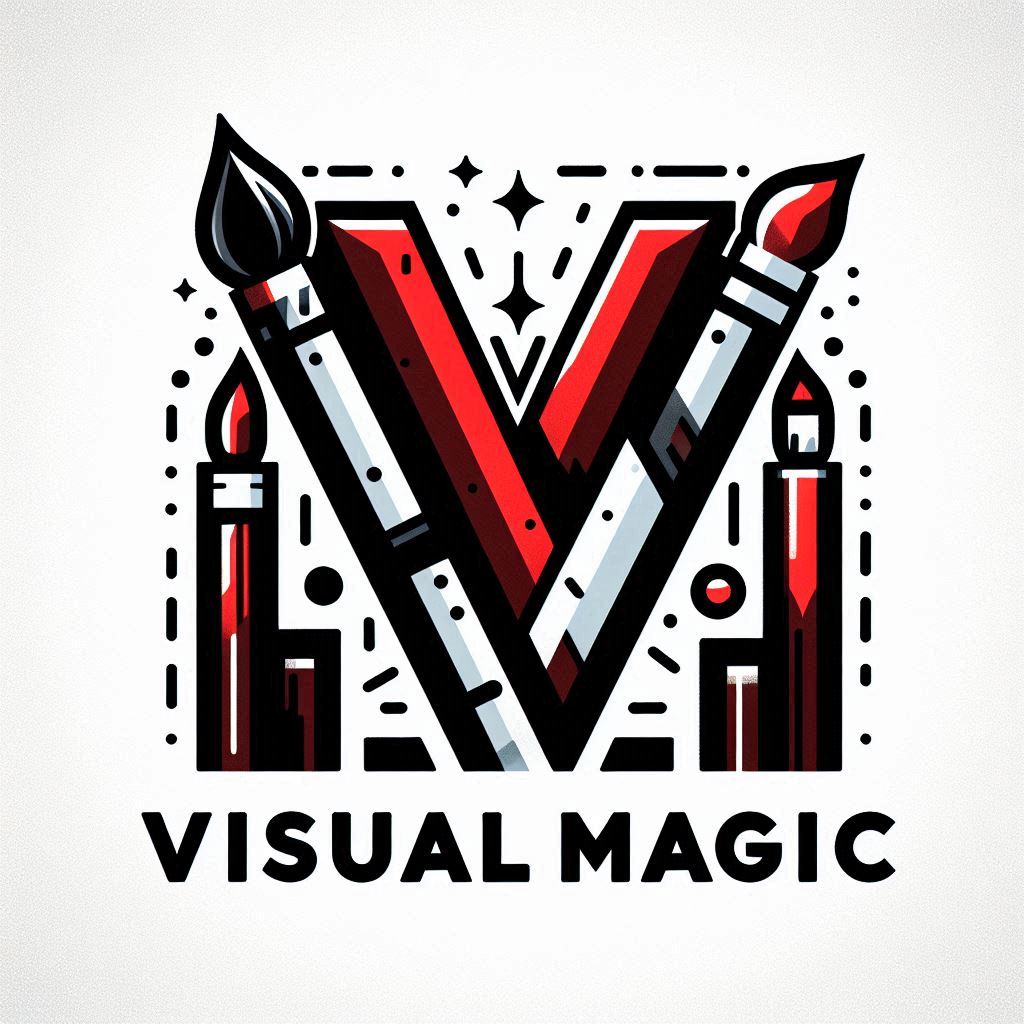
As you can see, it produced very interesting logos based on our prompt, but it also can make typos or other errors. That is part of the process and it can be refined easily in further prompts or even small photoshop edit.
- “Continue to the next step”
Step 5: Refine Your Logo
- Feedback: If needed, refine your prompt based on the initial results and generate new versions.
- Edit: You can also use graphic design software to make any final tweaks to the chosen logo.
Step 6: Finalize and Save
- Finalize: Once you’re happy with the design, finalize your logo.
- Save: Save the logo in various formats (e.g., PNG, SVG) for different uses.
Would you like to proceed with generating the logos now, or do you have any specific questions or adjustments before we continue? 😊
- “I would like the final version of the following logo. Generate a logo in the same style and colors with bigger focus on the paint brushes elements. Keep the capital letters in the center and the brand name below the logo.” (This prompt also included the previously generated logo as an attachment)
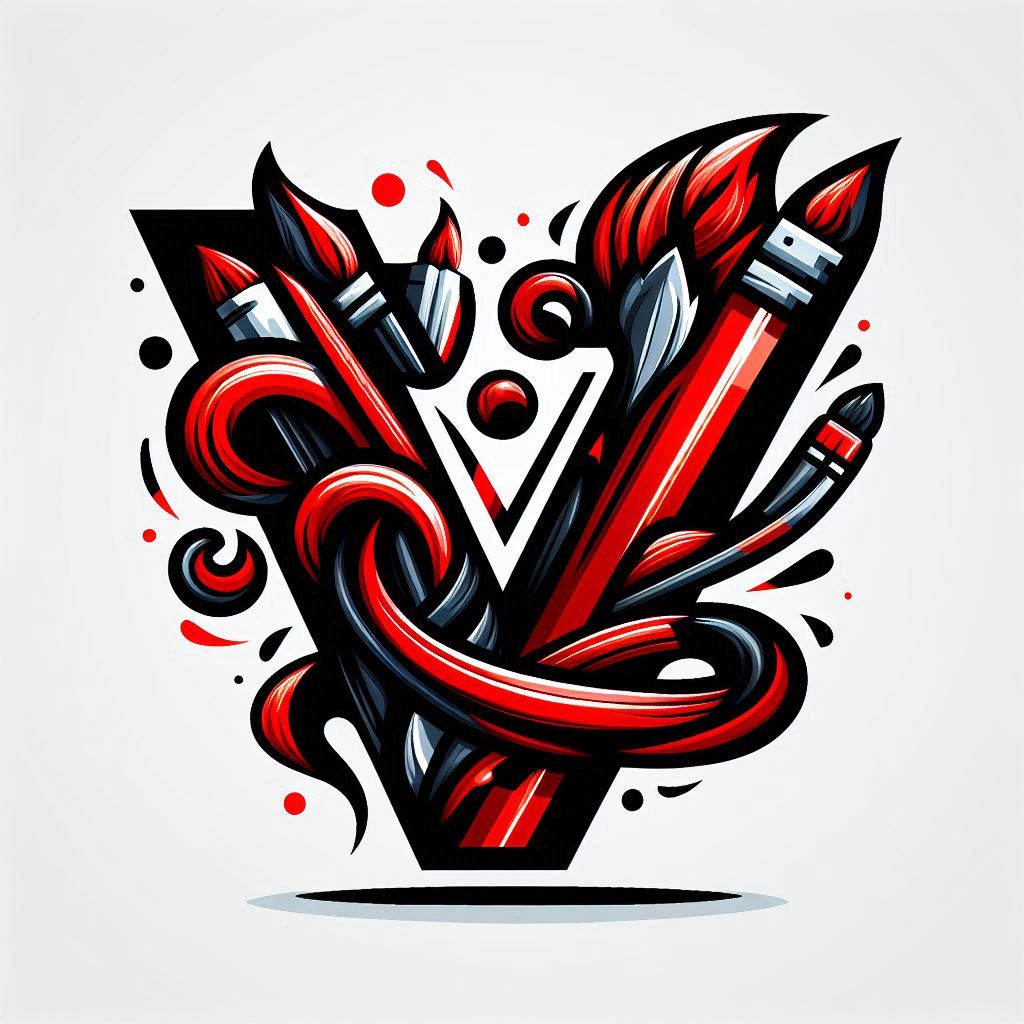
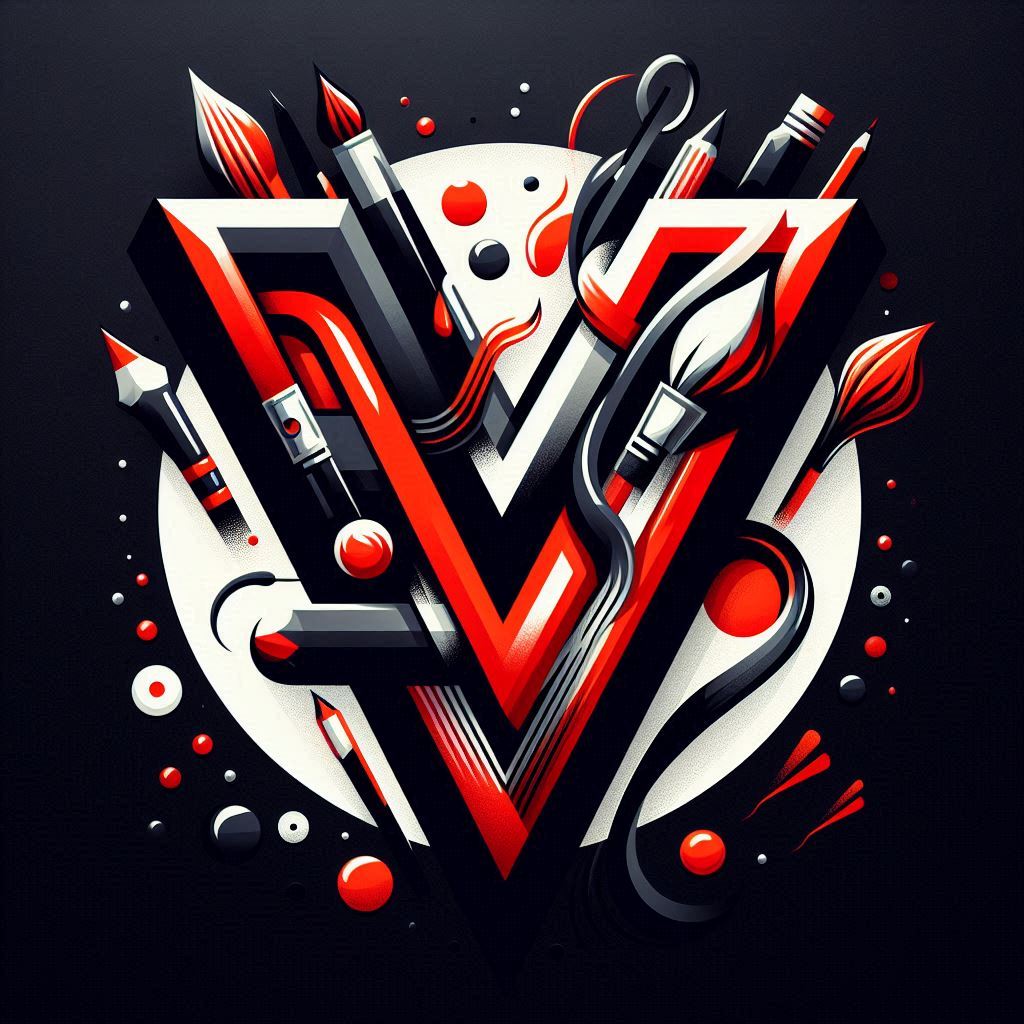
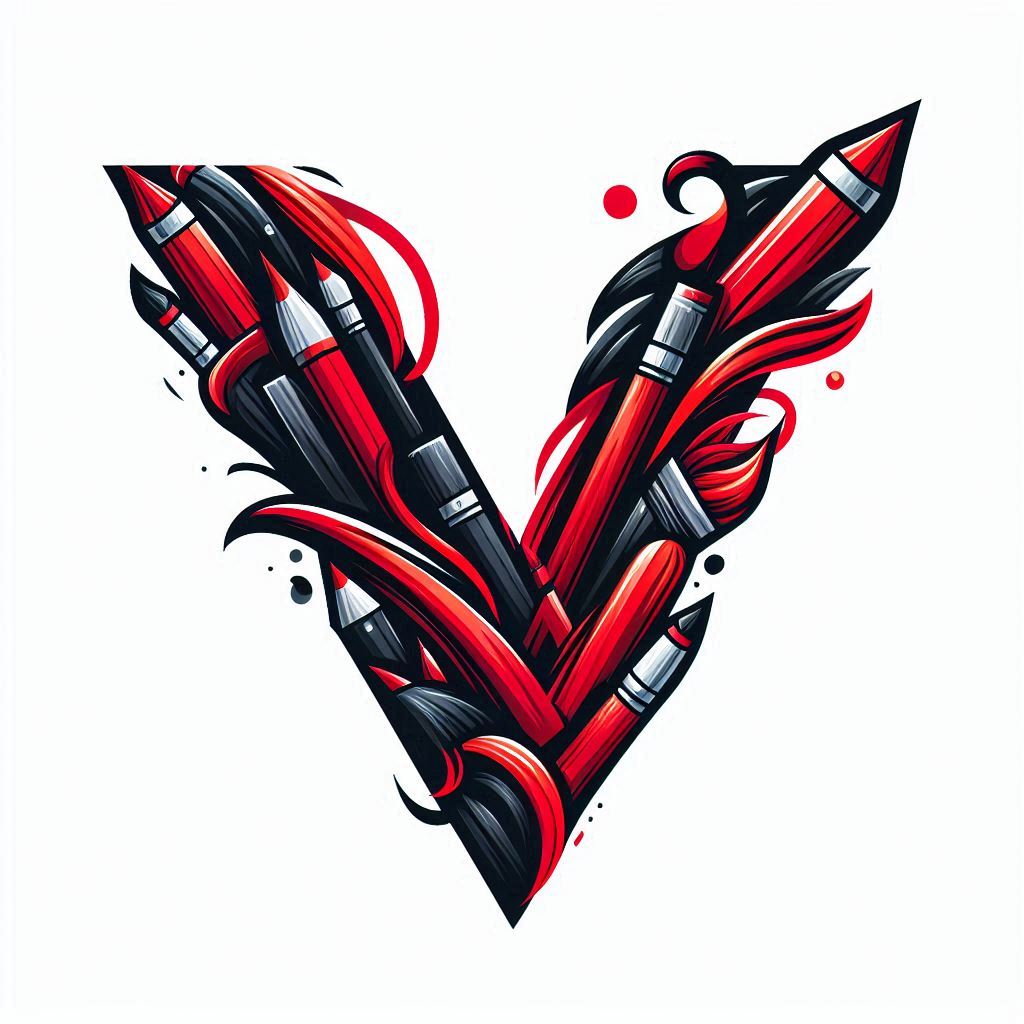
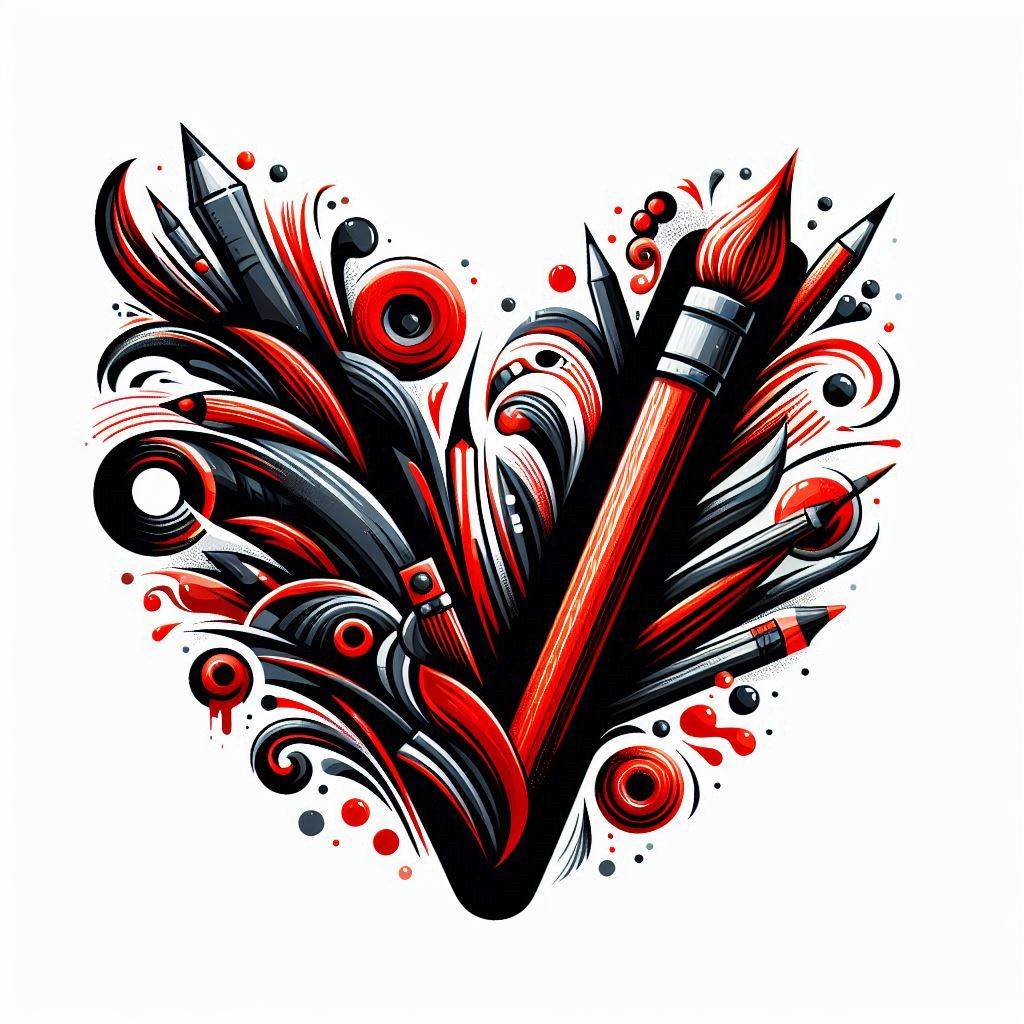
The main benefit of Bing is that you’re not only leveraging powerful AI technology but also accessing an intuitive guide that helps streamline the logo design process. This combination of cutting-edge AI and user-friendly assistance with DALL-E 3 capabilities makes it a fantastic tool for exploring new approach to logo design.
On the other hand, as you explore the results generated by DALL-E 3, you’ll likely notice that while the logos are creative and visually appealing, they may not always adhere strictly to your specifications.
For instance, a request for a artistic design might yield something slightly more detailed than expected, text elements such as the capital letters VM might not be rendered perfectly by the description and also occasional misspellings in the word “VisualMagic”.
DALL-E 3 has a degree of creative freedom that might not always align with precise instructions. This flexibility can be an asset for brainstorming and kickstarting the design process, allowing you to explore a variety of visual concepts before honing in on the perfect logo.
Fiverr: Logo Maker in a Few Clicks
Another approach to logo design that uses the power of AI is Fiverr’s logo maker. Unlike some AI tools that require detailed prompts and iterations, Fiverr simplifies the process by guiding you through a series of steps and questions to generate a custom logo tailored to your brand’s needs. This streamlined approach is perfect for users who want a quick and efficient way to create a professional-looking logo without getting bogged down in the details.
Using Fiverr’s logo maker is quite straightforward and user-friendly. Once you have an account, the platform will take you through a each step. You’ll start by providing the brand name and slogan, then you will be asked to select your industry and elements that can be included in the logo.
Finally, you can select one or more preferred styles and then select values that represent you brand on a sliding scale.After you’ve answered these questions, the AI gets to work, using your inputs to generate a selection of logo designs that align with your brand’s identity. As you can see there are many different designs generated within seconds:
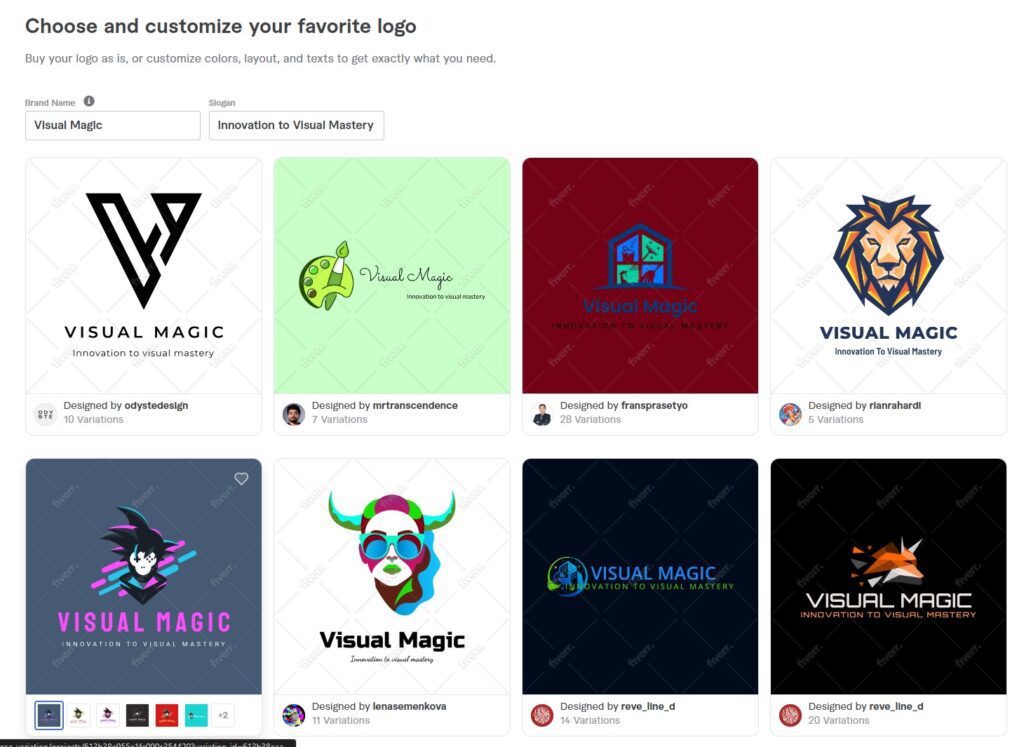
Once you’ve picked your favorite design from the generated options, you can further personalize it by selecting a desired color scheme that best represents your brand.
Fiverr’s logo maker also provides a robust customizer that allows you to fine-tune various aspects of the logo, such as adjusting the font style, changing the layout, or tweaking specific design elements to better match your vision. After you are satisfied with the final look of your logo, you can easily purchase and download it, ready for immediate use in your branding efforts.
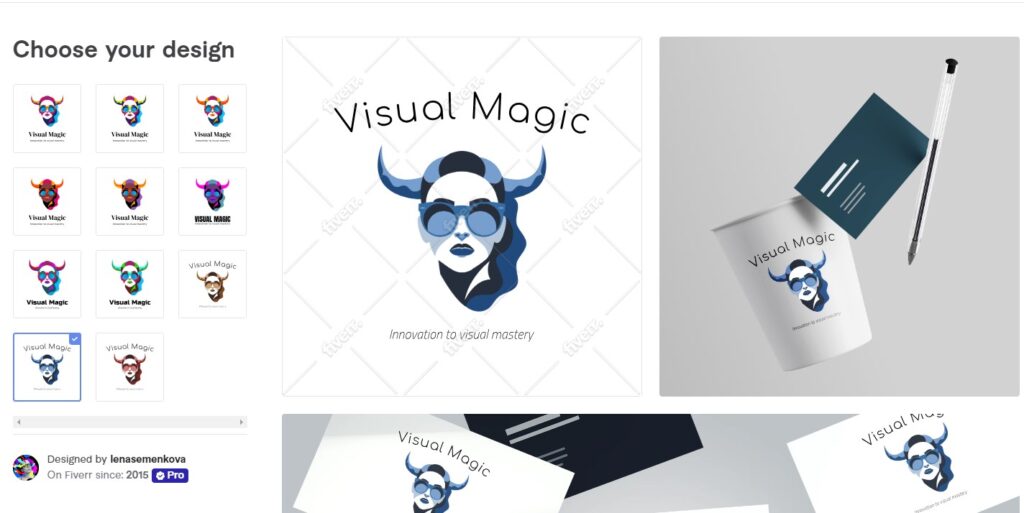
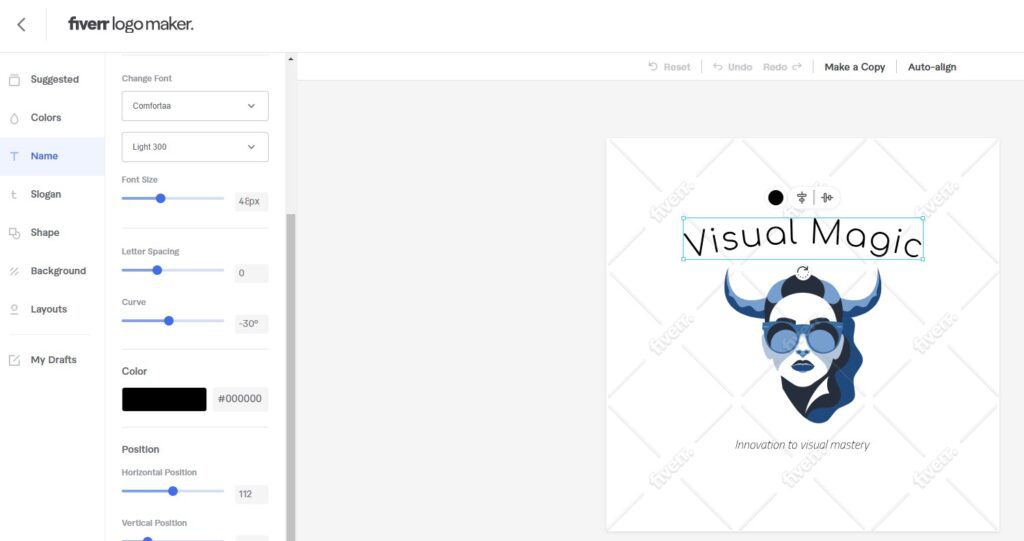
The beauty of Fiverr’s logo maker lies in its simplicity and accessibility. With just a few clicks, anyone can create a unique logo that stands out, making it an excellent option for small businesses, startups, or individuals looking to develop their brand quickly. The platform’s intuitive interface and guided steps ensure that you don’t need any design experience to produce a high-quality logo, all from the comfort of your browser.
On the other hand, it’s important to note that Fiverr’s logo maker is a paid service. The extensive options and flexibility it offers come at a cost, but this investment ensures that you have all the tools you need to fine-tune your logo in one convenient place.
With Fiverr, you’re not just generating a quick design – you’re crafting a logo that’s uniquely tailored to your brand, with the ability to make detailed adjustments before downloading the final result.
Stockimg.ai: A Versatile Platform for Logo Design
(After writing this post, Stockimg didn’t provide the free credit anymore. I still keep the step-by-step for this post, as the paid version can be used, or another logo generation tool like for example Canva which provides free credits)
Another excellent option for AI-driven logo design is Stockimg.ai, a powerful platform that allows users to generate a variety of media types. This platform stands out for its versatility, enabling users to create everything from book covers and social media posts to, of course, unique logos. The platform offers a dynamic and creative space where you can bring your logo ideas to life with just a few clicks.
To design a logo on Stockimg.ai, all you need to do is enter a prompt that describes your desired design. Thanks to our earlier exploration in this blog post, we already have a clear idea of what we want for our VisualMagic site.
We can simply tweak our previous prompt to tailor it specifically for our needs. For example, Stockimg.ai generates a logo that aligns closely with our vision, using this prompt:
- “Create an artistic logo with white background for a personal website about digital arts called VisualMagic. Capital letters VM are included in center of the logo. The logo includes elements of paint brushes which create the capital letters, with clean lines and a modern look. Use a simple color palette, preferably shades of red and black.”
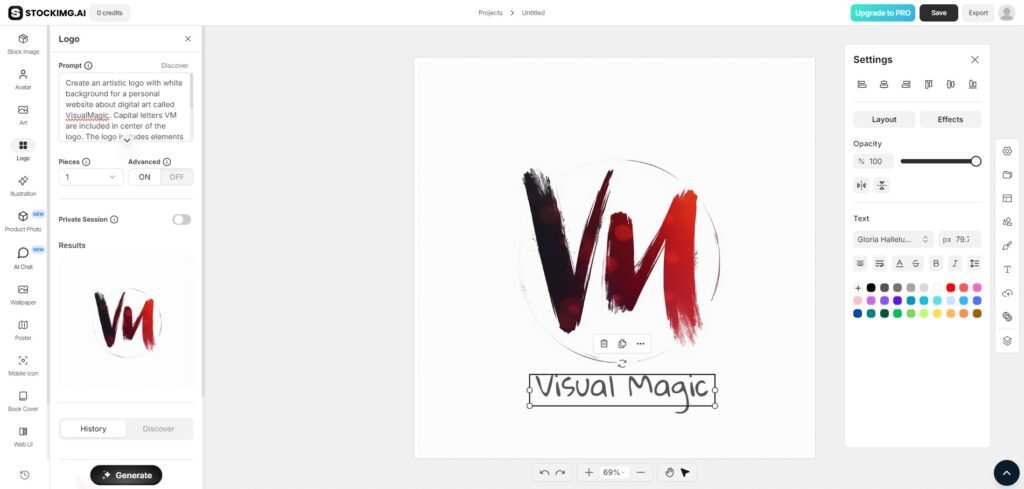
As you can see, the generated logo is impressive, capturing the essence of our brief description, though it slightly missed a stroke on the “M” part. Furthermore, Stockimg.ai’s standout feature is the ability to further edit the generated logo directly on the platform’s canvas.
This capability gives it an edge over DALL-E, which doesn’t offer such in-platform customization. We were able to finalize the design with the “Visual Magic” name, and had the flexibility to save the finished product in multiple formats suitable for various uses.
While Stockimg.ai is a paid service, it does provide all users with one free credit per month, which allows for a single generation. This means that with some planning and a clear vision, you can create a logo for free.
Stockimg.ai is a great blend of DALL-E’s creative freedom and Fiverr’s customization features, making it an appealing choice for those who know exactly what they want to achieve with their logo design. Just be sure to make the most of that free credit by having a solid idea in mind before generating your design!
The Present and Future of Logo Design in the AI Era
The sheer variety of AI-powered tools available today underscores just how transformative generative AI has become in the field of logo design. From DALL-E’s imaginative creations to Fiverr’s streamlined process and Stockimg.ai’s versatile editing capabilities, it’s clear that AI is revolutionizing the way we approach logo creation. What once required the specialized skills of a graphic designer can now be accomplished with just a few clicks, thanks to the power of AI.
In this post, we’ve explored just a few of the popular options for generating logos, but there are countless other tools out there, with new ones being released all the time. As AI technology continues to advance, we can expect even more sophisticated and user-friendly platforms to emerge, further enhancing the possibilities for creative design.
Personally, I think that the most useful platform from today’s post was DALL-E 3, because when combined with the Bing assistant, it was possible to come up with a very interesting design, without being limited by either price or number of image generations.
This topic might be revisited in one of the future posts to see how this space is evolving and to explore the latest developments in AI-driven logo design. Because just like any other tools from the generative AI space, these are also taking leaping steps forward in each new versions when in comes to quality of the generated results.
For now, I encourage you to experiment with these AI tools for your own branding needs. Whether you’re starting a new project or looking to refresh an existing logo, these platforms offer a wealth of creative potential at your fingertips.
I would love to hear your thoughts on the future of AI in creative industries, especially in logo design, and invite you to share your experiences with similar tools in the comments below.
Do you think that logo creation was “solved” by the emergence of visual generative AI tools, or graphic designers are still needed in most cases? Let’s continue the conversation about how generative AI is shaping the world of logo design.